Best Document Scanners for a Paperless Home Office in 2026
A dedicated scanner makes searchable PDFs faster than a phone app. What matters -- speed, duplex, OCR -- plus Fujitsu, Brother, and Epson picks.
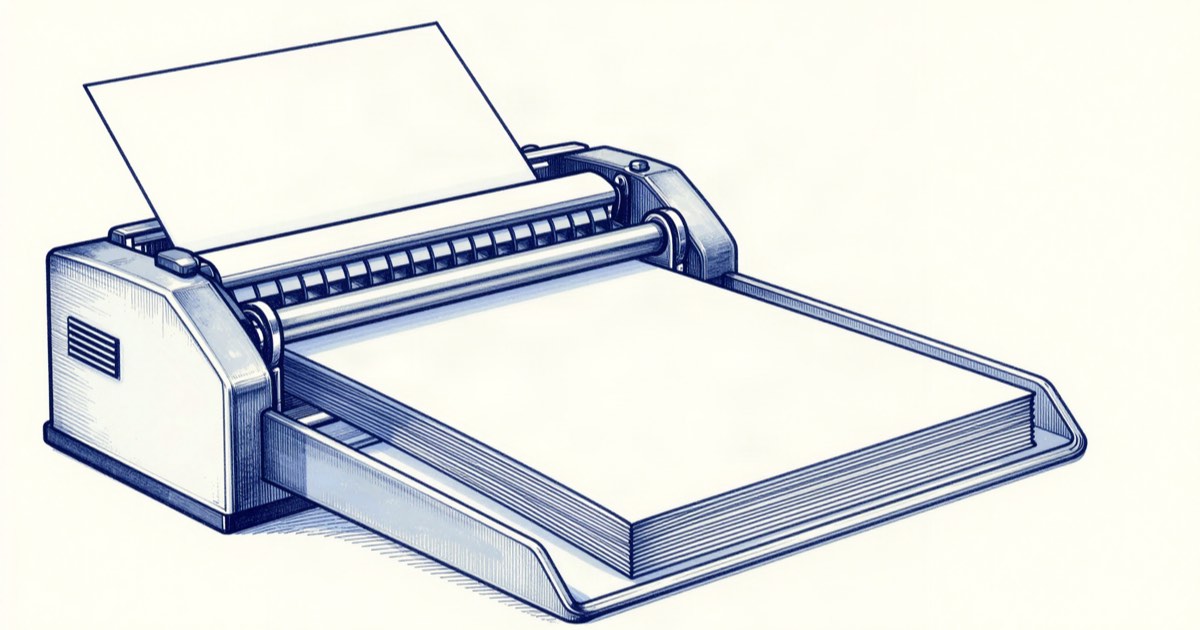
Going paperless stalls for most people at the same point: the friction of actually digitizing the pile. A phone scanning app works for the occasional receipt, but for a real stack — contracts, tax records, manuals — a dedicated document scanner with an automatic feeder turns an afternoon of tedium into a few minutes of feeding pages. For a developer who likes searchable, organized files over physical clutter, it’s a genuinely useful tool. This guide covers what matters and which to buy in 2026.
What actually matters in a document scanner
For documents, the specs that matter are different from a photo scanner. The big ones:
An automatic document feeder (ADF) is the whole point — it pulls in a stack of pages so you’re not scanning one sheet at a time. Duplex (two-sided) scanning in a single pass roughly halves the time for double-sided documents. Speed, measured in pages per minute, determines how painful a big batch is. And reliable feeding — not jamming or pulling two pages at once — matters more than any spec sheet number, which is why feeder quality is where the better brands earn their price.
Then there’s software: good OCR (optical character recognition) turns scanned images into searchable, selectable text, which is what makes a digital archive actually useful. One-button workflows that scan straight to a searchable PDF in a chosen folder remove the friction that otherwise kills paperless habits. Resolution barely matters for text — 300 dpi is plenty — so don’t pay for high dpi you won’t use.
Best for most people
The ScanSnap iX1600 is the perennial recommendation for good reason. It scans both sides quickly, the feeder is dependable, and the software makes one-touch scanning to a searchable PDF genuinely effortless — which is the part that keeps a paperless habit alive. It’s not cheap, but it’s the scanner people stop shopping after, and the experience justifies the premium for anyone digitizing regularly.
Best value
If the ScanSnap’s price is hard to justify, the Brother ADS series delivers most of the experience for less. You get duplex scanning, a touchscreen for on-device workflows, and capable software, in a compact body. The feeder and software polish aren’t quite at Fujitsu’s level, but for typical home-office volumes it’s a strong value that gets you to a searchable archive without overspending.
Best for flexible software
The Epson WorkForce line is the choice when you want more say over how scans are processed and where they go. Its software offers flexible control over formats, destinations, and settings, with reliable duplex scanning underneath. It sits between the value and premium picks, and it suits people who want to tune their scanning workflow rather than rely solely on one-button presets.
FAQ
Why not just use a phone scanning app?
Do I need high resolution for documents?
What makes a scanned archive searchable?
A document scanner is the tool that finally makes “go paperless” stick, by removing the friction that defeats most attempts. Get the Fujitsu ScanSnap iX1600 if you’ll use it regularly, the Brother ADS for value, and weight feeder reliability and OCR over resolution — for paper, a smooth workflow beats a big spec sheet.
Related reading
2026-09-02
The Best Laptop Stands and Docks for a Home Office
Two 4K60 panels use about 25 of Thunderbolt's shared 40 Gbps, and no dock adds a display your chip refuses to drive. Five picks with the math.
2026-09-02
The Best Ergonomic Office Chairs for 8-Hour Days
Seat height, seat depth and lumbar range eliminate most chairs before comfort matters. Aeron, Leap V2, Sayl, Branch and Markus, compared on specs and warranty.
2026-08-12
The Best Cordless Stick Vacuums in 2026
What suction ratings really mean, why boost-mode runtime is the number that matters, and what changes from $200 to $800.
2026-08-12
Rice Cookers in 2026: Heating Type, Pot Size, and Price
How mechanical, fuzzy-logic, IH, and pressure IH models differ, how to size one correctly, and which features are marketing.
2026-08-12
Picking a Humidifier for a Dry Home Office in 2026
Under 30% relative humidity means static, dry sinuses, and cracked wood. Compare the three technologies and their real upkeep cost.
Get the best tools, weekly
One email every Friday. No spam, unsubscribe anytime.