CDN Edge Caching for Application Developers
Not just static assets: with the right Cache-Control headers, a CDN can serve API responses, authenticated content, and dynamic pages.
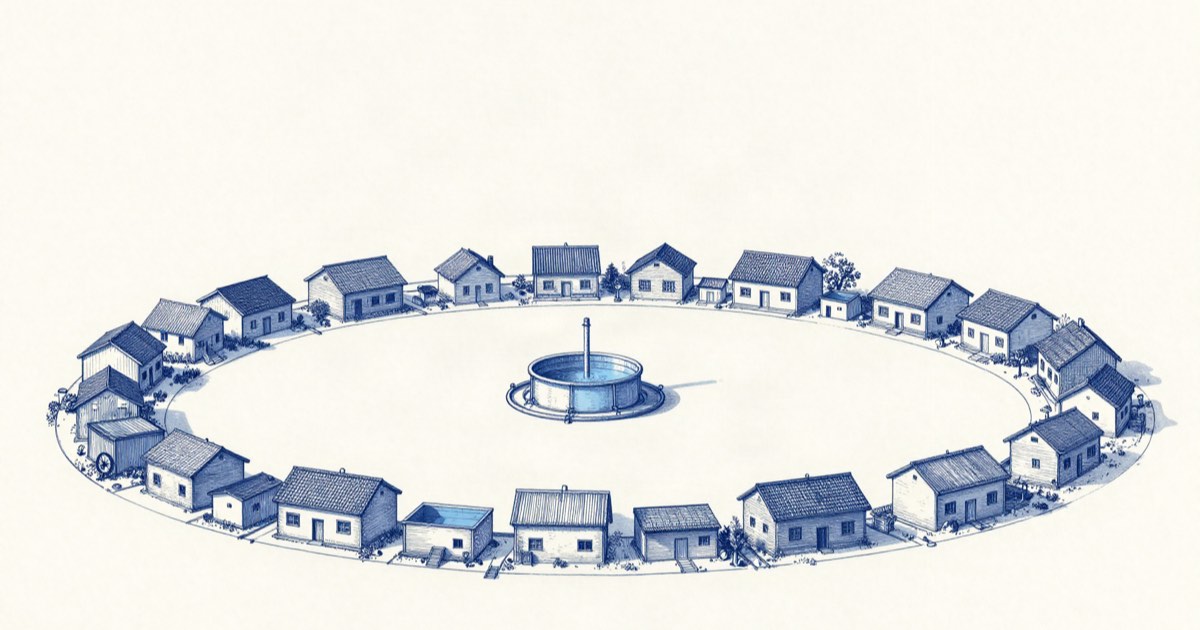
Most developers interact with a CDN the way they interact with DNS: set it up once, verify it works, and forget it exists. The domain gets a CNAME record pointing at Cloudflare or Fastly or Bunny.net, static assets start loading faster, and the job is done. But edge caching is a deeper capability than asset delivery. It can serve entire API responses from a point of presence in Singapore while your origin server sleeps in Virginia, dropping latency from 250 milliseconds to 20 milliseconds for that user. The trick is knowing which responses are cacheable, how long to cache them, and how to invalidate them when the data changes.
What a CDN actually does (and does not do)
A CDN is a distributed network of servers — points of presence, or PoPs — that sit between your origin server and your users. When a user requests a URL, the nearest PoP checks whether it has a fresh copy of the response. If it does, it serves it directly. If it does not, it fetches from the origin, stores a copy according to the cache headers, and serves it to the user.
The important detail that most explanations skip: the CDN does not know what is safe to cache. It trusts your Cache-Control headers. If your origin returns Cache-Control: no-store, the CDN passes the request through every time and you get no caching benefit. If your origin returns Cache-Control: public, max-age=3600 but the response contains a user’s email address, the CDN will happily serve that email address to the next visitor who requests the same URL. The CDN is a mechanism, not a policy engine. You define the caching policy in your HTTP headers.
The other thing a CDN does not do is cache POST, PUT, PATCH, or DELETE requests. By the HTTP specification, only GET and HEAD are cacheable by default. If your application uses GET requests for search queries or filtered lists — GET /api/products?category=shoes&page=3 — those responses are cacheable, and you should set Cache-Control accordingly. If your application uses POST for everything (a GraphQL-only API, for example), your CDN will forward every request to the origin, and you are paying for a global network that is not earning its keep.
Cache-Control headers that make edge caching work
The Cache-Control header is the contract between your origin and every intermediate cache between it and the user. Three directives do the heavy lifting.
public vs private. public means the response can be stored by any cache, including shared CDN caches. private means the response is specific to one user and must not be stored by shared caches — browser caches only. If your API returns user-specific data and you set Cache-Control: public, you have a data leak. If your API returns the same JSON to every user and you set Cache-Control: private, you are paying for origin requests you do not need.
max-age. How many seconds the response is considered fresh. A response with max-age=300 can be served from cache for 5 minutes without contacting the origin. After 5 minutes, the cache marks the response as stale and fetches a fresh copy on the next request. Setting max-age too low — 5 seconds — eliminates most of the caching benefit. Setting it too high — 24 hours — means bugs and stale data live for a day after you fix them.
s-maxage. Overrides max-age specifically for shared caches (CDNs). This is useful when you want browsers to cache aggressively but the CDN to revalidate more frequently. Cache-Control: public, max-age=86400, s-maxage=60 tells browsers to cache for a day and the CDN to refresh every minute. The CDN absorbs 99% of the traffic, browsers still get fast loads, and you get 60-second freshness for the most important cache layer.
The complementary header is CDN-Cache-Control, supported by Cloudflare, Fastly, and Bunny.net. It lets you set CDN-specific caching behavior without affecting intermediary proxies or browser caches. If your origin sits behind a reverse proxy that strips or modifies Cache-Control, CDN-Cache-Control survives because it is an extension header that most proxies leave untouched.
Cache invalidation that does not break production
A cached response is a frozen snapshot of your database at some point in the past. When the database changes, the cache must change, and the options for making that happen are limited.
Purge by URL. The simplest approach: send a PURGE request to the CDN for the specific URL that changed. Cloudflare supports this via API. Fastly supports instant purge (under 150 milliseconds globally). The limitation is granularity: if a single price change affects 50 product pages, you need to purge 50 URLs, and if the CDN has a rate limit on purge requests, the purge queue can back up.
Purge by tag or surrogate key. Your origin adds a Surrogate-Key or Cache-Tag response header with one or more tags: Surrogate-Key: product-42 category-shoes. When product 42 changes, you purge by the tag product-42 and every cached response that carries that tag — the product detail page, the category listing, the search result snippet — is invalidated in one API call. This is the pattern that separates a workable invalidation strategy from a brittle one. Fastly calls them surrogate keys. Cloudflare calls them cache tags (Enterprise only). Bunny.net supports them natively.
Versioned URLs. For truly static assets like JavaScript bundles and CSS files, the invalidation strategy is to never invalidate. Every build generates a new filename with a content hash: main.a3f2b1c.js. The HTML references the latest hash. Old files live in the cache until they expire by max-age, then they are simply never requested again. No purge needed, no race condition, no cache inconsistency. For API responses, versioning is harder, but you can approximate it with a query parameter: GET /api/products?etag=<latest-db-write-timestamp>. The CDN treats different query parameters as different cache keys, so a change in the timestamp fetches a fresh response.
Measuring cache hit ratio
A CDN is only as useful as its cache hit ratio: the percentage of requests served from cache without contacting the origin. The ratio you should expect depends on your traffic pattern, but a well-configured CDN serving a reasonably cacheable workload should hit 85 to 95 percent. Below 60 percent, you are paying for a global network that is mostly forwarding requests.
Every major CDN surfaces cache hit ratio in its dashboard. The metric splits into two useful segments:
- Byte hit ratio: what percentage of bytes were served from cache. This skews high because large static assets (images, videos, JavaScript bundles) dominate byte volume.
- Request hit ratio: what percentage of requests were served from cache. This is the stricter metric because small, uncacheable API calls outnumber large, cacheable assets.
If your request hit ratio is low, the most common causes are:
- Missing or overly restrictive
Cache-Controlheaders on API responses. - Cookies or authorization headers that force the CDN to bypass cache (standard CDN behavior).
- Query parameters that create unique cache keys for every request (session tokens, timestamps, random nonces).
- A low
max-agethat expires responses before they are requested a second time.
Fixing a low cache hit ratio usually means adding Cache-Control to endpoints that can tolerate staleness and stripping unnecessary query parameters from cache keys. The CDN’s documentation will tell you how to configure cache key normalization for your specific provider.
FAQ
Can I cache authenticated API responses at the edge?
What is the difference between edge caching and browser caching?
Do I need a separate CDN if I am already on Cloudflare?
Related tools
Beehiiv
Newsletter platform with built-in ad network and Boost referrals.
Try Beehiiv →
Webflow
Visual site builder with real CSS export and a CMS that scales.
Try Webflow →
Some links above are affiliate links. We may earn a commission if you sign up. See our disclosure for details.
Related reading
2026-09-02
OpenAI Deployment Layer: The Assistants API Precedent
OpenAI shipped the Assistants API in November 2023 and marked it for sunset 16 months later. That precedent is how to price the new deployment stack.
2026-08-21
701 Bad Internal Links Before 49 Good Ones
A phrase-matching script inserted 750 links across 269 MDX articles. Here is where they failed, and how claim-matching cut the review pile to 128.
2026-08-21
Cloudflare Web Analytics via GraphQL: the siteTag Filter
Why accountTag and siteTag differ in rumPageloadEventsAdaptiveGroups, how the limit argument truncates silently, and which fields we did not verify.
2026-08-21
Bing Webmaster API's 100-URL Cap: 289 URLs, Three Days
Quota is 100 a day against 1300 a month, GetQueryStats was still empty at the end, and two error shapes will kill a cron job.
2026-08-19
IndexNow Batch Mode: 286 URLs Per Publish Down to 0
Bing flags full-sitemap submissions as batch mode. The ~40-line lastmod diff that fixes it, the precondition it needs, and two ways it silently breaks.
Get the best tools, weekly
One email every Friday. No spam, unsubscribe anytime.